DIGITAL MENUS FOR RESTAURANTS
A better experience, from the menu to the table
Show dishes, prices and hours, make reservations easier and keep team requests in one workflow.
Built around your way of workingA useful place for your team and your customers.
 WebSysMex
HomeBookingsMenuOrders
●OPERATIONS DASHBOARD
WSToday's service
Recent orders
- Table 04In preparation
- Table 08Ready to serve
- TakeoutNew request
Kitchen shift
- Starters08 pending
- Main courses12 pending
- Drinks04 pending
01
DIGITAL MENUS FOR RESTAURANTS
A menu that helps people choose
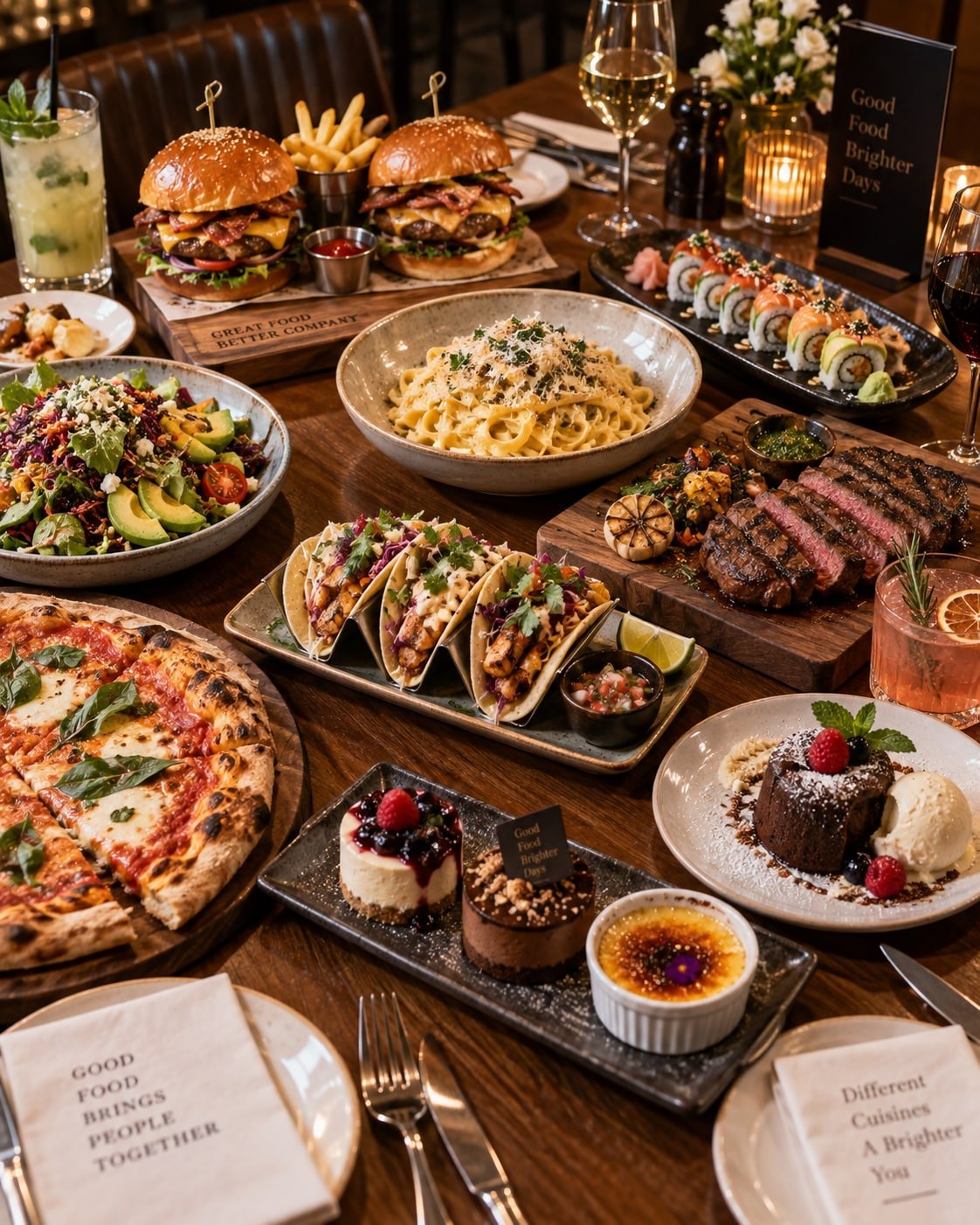
Organize dishes with photos, descriptions, prices and options so guests can browse before ordering.
- Categories and specialties
- Ingredients and options
- Clear, editable prices
- Quick mobile browsing
02
DIGITAL MENUS FOR RESTAURANTS
Reservations and orders with follow-up
Keep requests in one place so the team can see what needs confirmation, preparation or delivery during each service.
- Reservations and availability
- Table or takeout orders
- Preparation status
- Activity overview for managers
SAMPLE MENU
House specialties
Seasonal menuChef's selection
$26Signature brunchIncludes a drink
$16Dinner to shareFor two guests
$48WAYS TO GET STARTEDChoose a starting point.
Add tools as you grow.
From an informative website to an app for daily operations. We define the scope together.
01ONLINE PRESENCE
Website & catalog
Explain what you offer and make it easy to get in touch.
CUSTOM QUOTEDefined with your scope
- Business information
- Products or services
- Hours and contact details
- Mobile-friendly design
02RUN YOUR BUSINESS
Modular app
Bring together the tools you use to serve and follow up with clients.
CUSTOM QUOTEDefined with your scope
- Appointments, bookings or orders
- Clients and contacts
- Catalog or services
- Reports and payments
03YOUR WORKFLOW
Custom app
Modules and integrations designed around a specific operation.
CUSTOM QUOTEDefined with your scope
- Review your process
- Custom workflows
- Agreed integrations
- Improvements in stages
Modules, timeline and investment are agreed before work begins.
A CLEAR START
How to get started
- 01Review your menu and how orders arrive.
- 02Define reservations, orders and team roles.
- 03Tailor the demo to your restaurant service.
GOOD TO KNOW
Common questions
Can I update the menu?
Yes. Products, prices, categories and images can be managed within the agreed scope.
Can it handle dine-in and takeout orders?
The workflow can organize requests by table, counter or delivery based on your operation.
Can the team track order status?
Yes. The dashboard can show new, in-preparation and ready-to-serve orders.
Bring your menu and operations closer together
Present your menu clearly and give the team an organized view of service.